


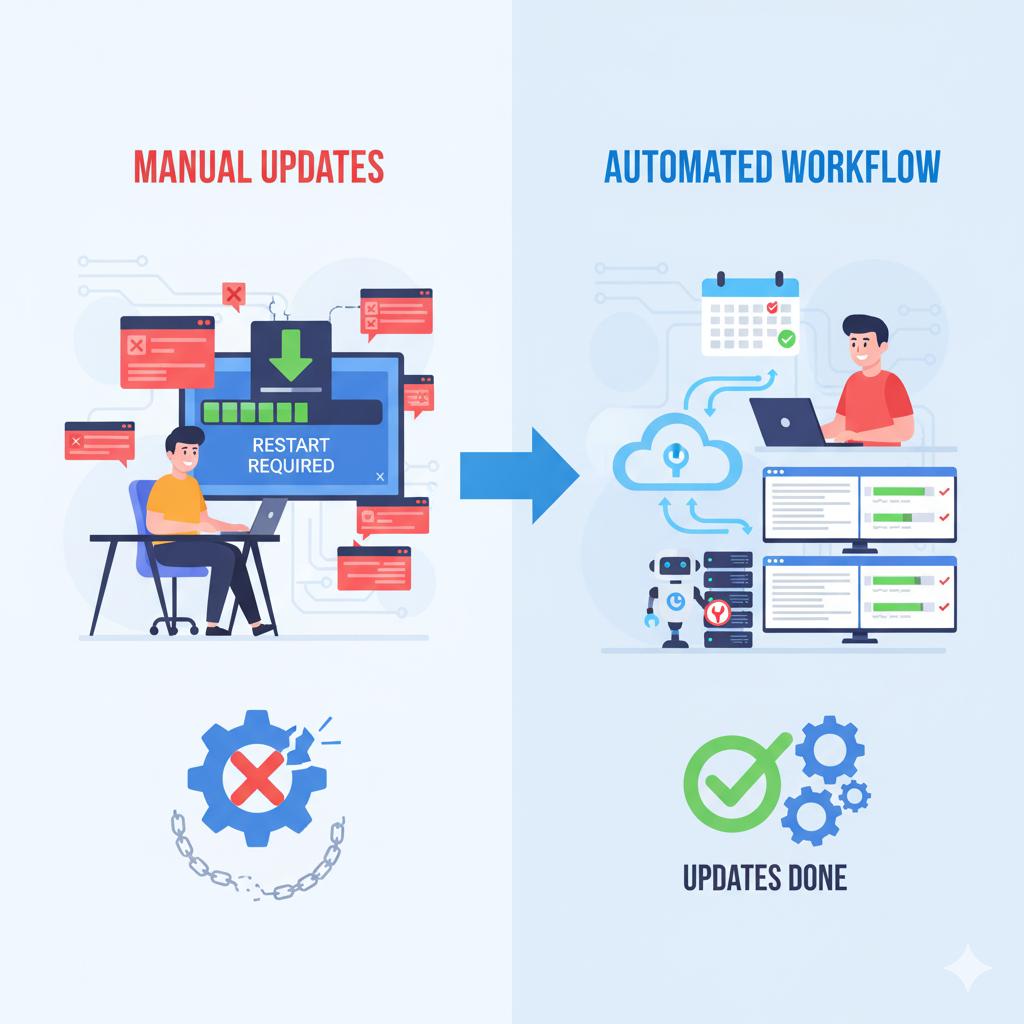
Automate Windows Updates (Without Breaking Your Workflow)
Keeping your systems updated is critical to protecting against vulnerabilities and maintaining performance. However, automatic updates can disrupt your team’s workflow, often restarting systems mid-day or causing compatibility issues if not managed correctly. Many small businesses either delay updates too long or let them run unmanaged — both risky approaches.
A managed update policy ensures that updates are tested, scheduled, and deployed during off-hours or at times that fit your business operations. 716 IT Group can configure centralized update management through Windows policies or remote monitoring tools so your systems stay secure and reliable without interrupting your workday.
Quick Action Checklist
- Set active business hours on every Windows PC to prevent surprise daytime reboots.
- Schedule security patches and restarts for overnight or weekend maintenance windows.
- Verify critical updates centrally so no workstation falls months behind on security fixes.
Tired of mid-day Windows restarts?
We configure automated, off-hours patching across your WNY office workstations and servers.