

Email & Cloud Productivity
Schedule a Quick Chat
Centralized File Sharing: Stop Emailing Attachments Around the Office
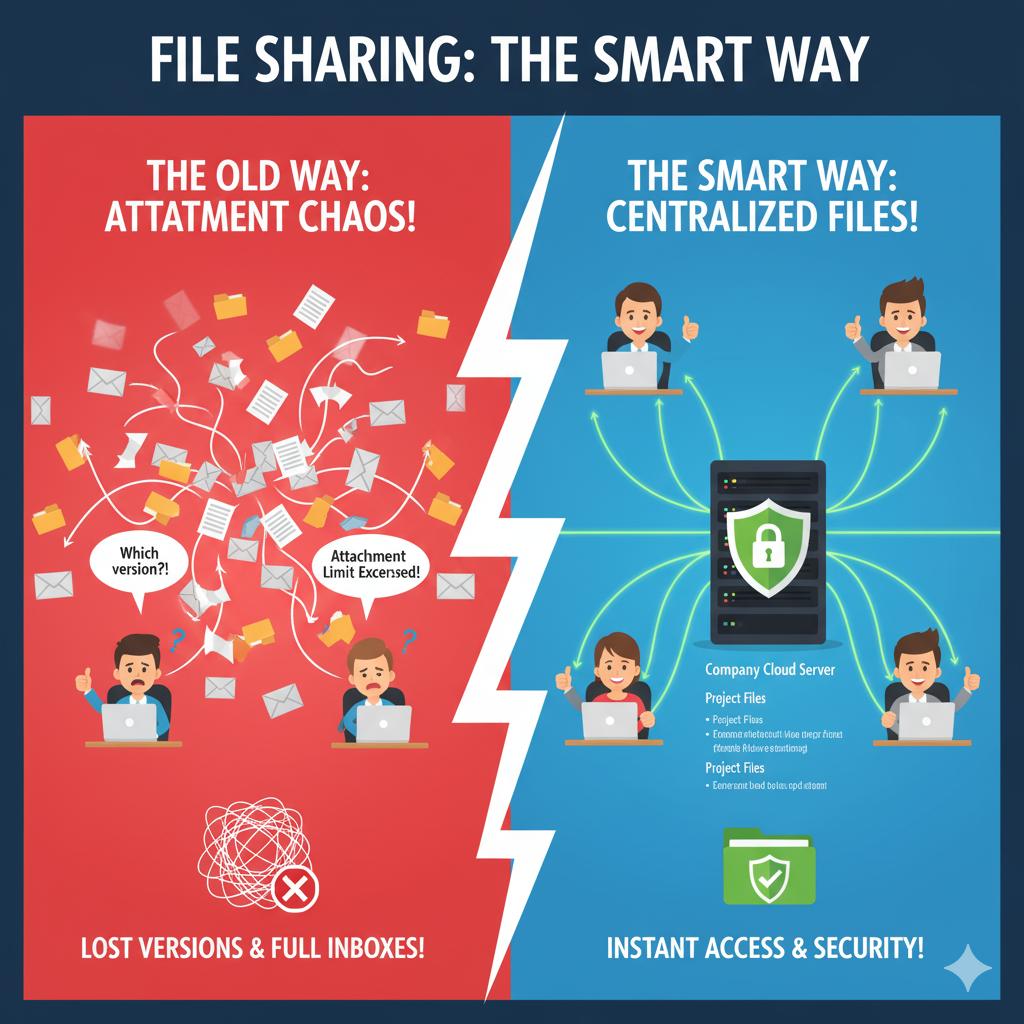
Constantly emailing attachments leads to version confusion, lost files, and unnecessary clutter. Centralized file sharing platforms like OneDrive, SharePoint, or a secure on-premises server allow employees to collaborate in real time, ensuring everyone has access to the latest version of every document.
A general setup includes organizing files by department or project, setting appropriate access permissions, and syncing data across devices. 716 IT Group can help design a shared storage system that keeps your team productive and your data backed up safely.
Quick Action Checklist
- Send direct share links from SharePoint, OneDrive, or Google Drive instead of attaching duplicate files to emails.
- Structure folders by department or client project with role-based permissions so sensitive files stay restricted.
- Enable automatic version history and cloud backups so accidental edits or deletions can be restored in seconds.
Need a cleaner way to organize company files?
We migrate and structure SharePoint, Google Drive, and local file servers for WNY businesses.