

Email Aliases for Role-Based Access
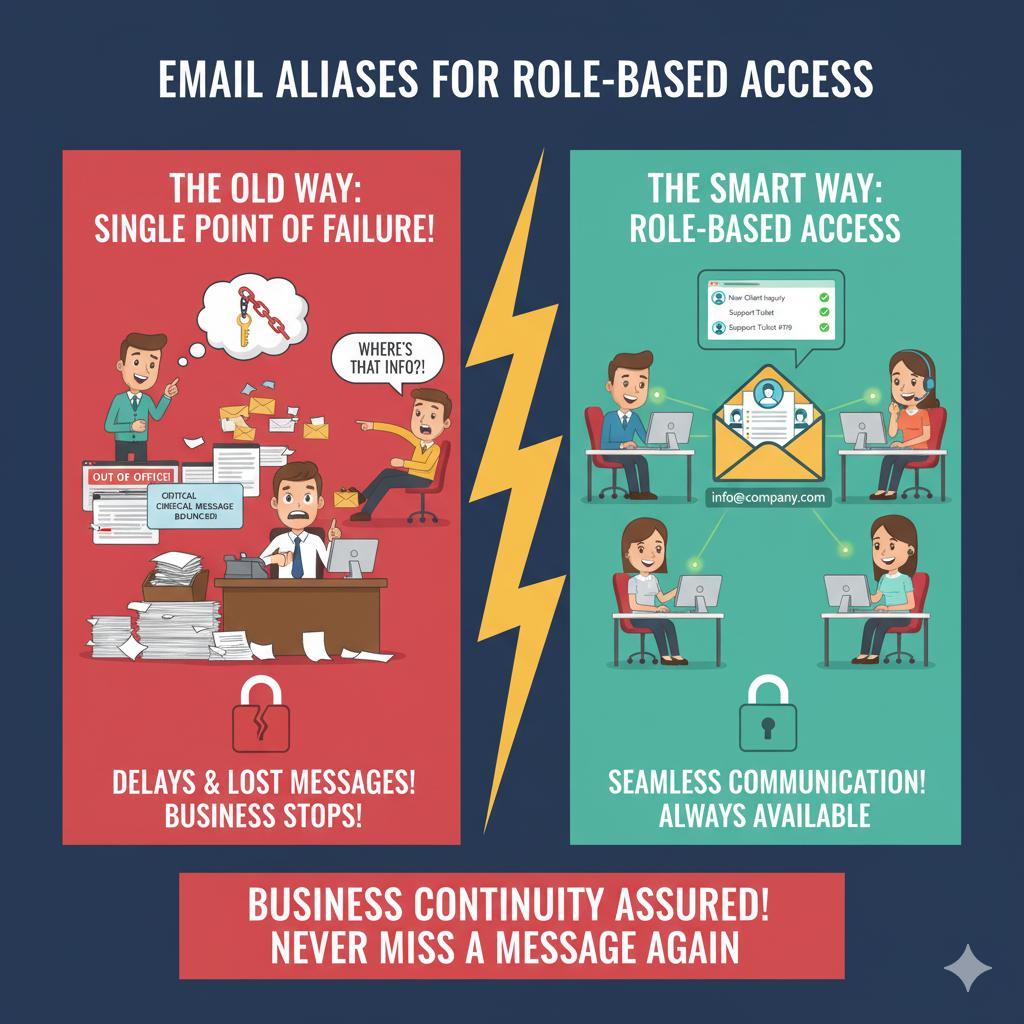
Relying on a single employee’s email account for important communications is risky. If someone is on vacation, out sick, or leaves the company, critical messages may be delayed or lost, disrupting workflows and customer service.
Creating role-based email addresses like info@, support@, or billing@ ensures multiple employees can access shared inboxes, maintaining business continuity. This allows communication to flow smoothly and prevents delays that can impact operations.
Setting up email aliases correctly involves assigning access permissions, monitoring usage, and integrating them into your existing email platform. 716 IT Group can implement this system for your business, keeping communication organized and reliable while reducing reliance on any single individual.
Quick Action Checklist
- Publish department addresses (such as
info@,support@, orbilling@) on your website and invoices instead of an individual employee's email. - Assign role-based permissions in Microsoft 365 or Google Workspace so backup team members can view and reply seamlessly during time off.
- Keep historical customer and vendor threads centralized under the role address so nothing is lost during staff transitions.
Want cleaner, role-based email routing?
We configure Microsoft 365 and Google Workspace aliases and shared inboxes for WNY businesses.