


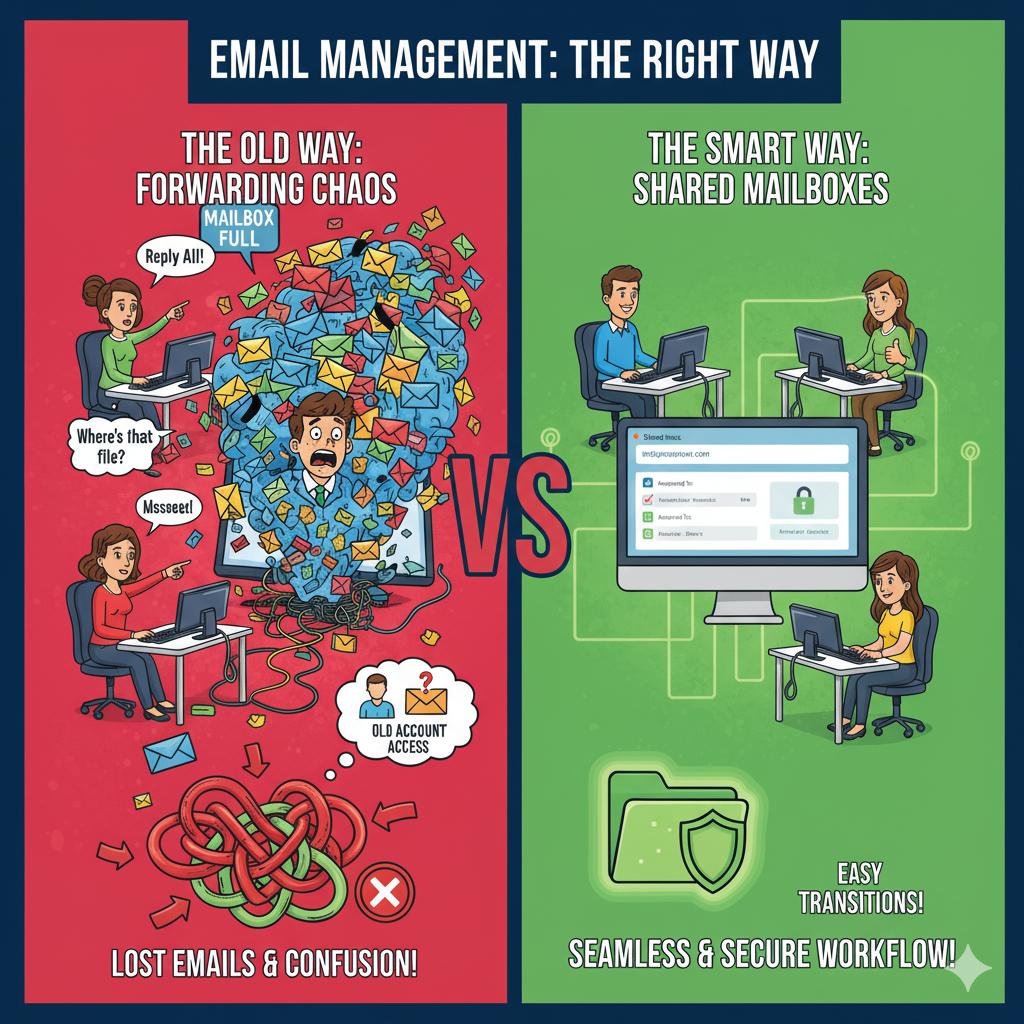
Use Group or Shared Mailboxes Instead of Forwarding to Everyone
Forwarding emails between multiple employees might seem convenient, but it quickly becomes chaotic as messages get lost or duplicated. Shared mailboxes — like [email protected] or [email protected] — let multiple users access and respond to messages in one centralized location. When an employee leaves, there’s no need to chase down access to old emails or accounts.
Setting this up in Microsoft 365 or Google Workspace involves creating shared mailboxes and assigning permission-based access to your team. 716 IT Group can configure these for you so your communication stays seamless, organized, and secure across staff transitions.
Quick Action Checklist
- Create shared addresses (such as info@, sales@, or billing@) instead of sharing a single user's password.
- Let your team see which messages have already been answered so customers never get duplicate replies.
- Grant or remove mailbox permissions in seconds whenever employees join or leave your company.
Need help organizing your team's email?
We set up and manage Microsoft 365 and Google Workspace for WNY organizations.