

Guest Wi-Fi: Keep Visitors Connected — and Your Data Protected
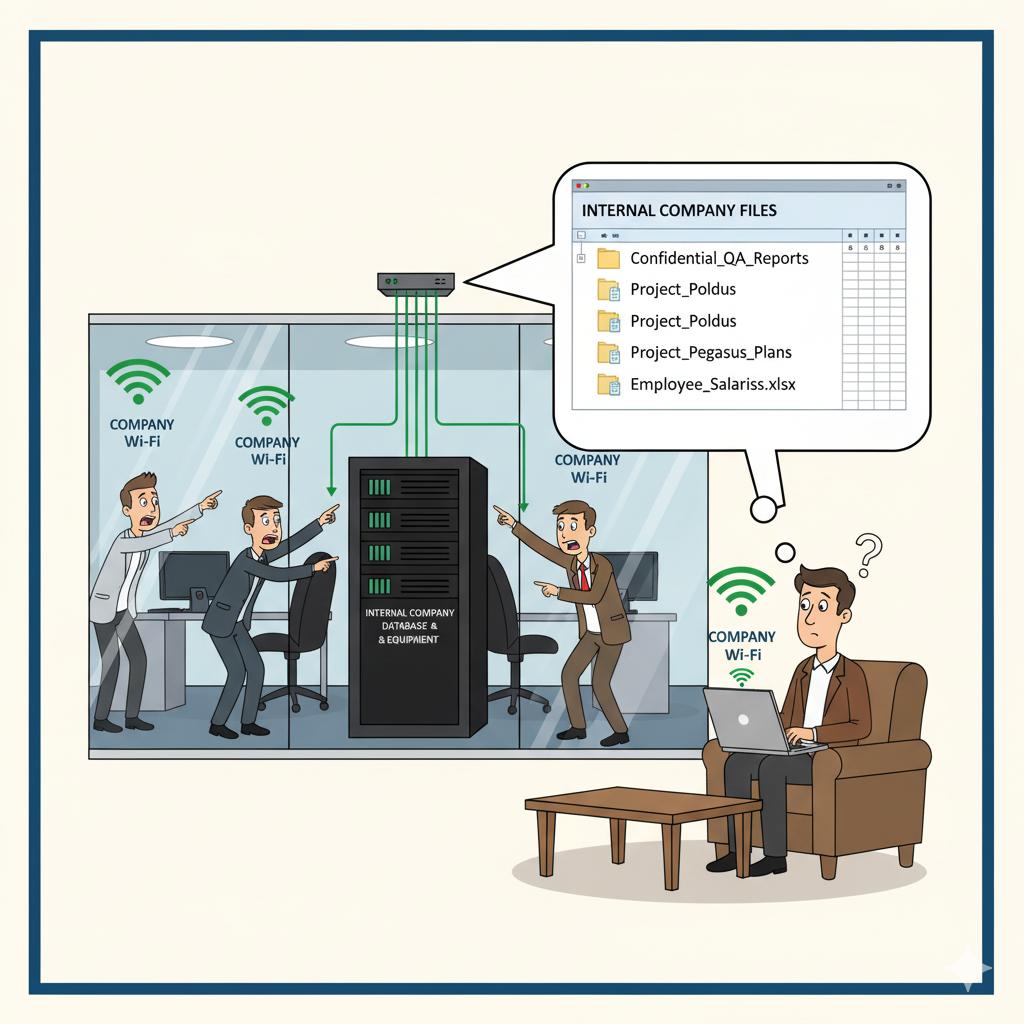
Providing Wi-Fi for guests and clients is a nice touch, but giving them access to your main network is a major security risk. Unsecured guest access can expose sensitive business data, internal devices, and even lead to malware infections. The solution is to create a properly segmented guest Wi-Fi network that’s isolated from your core systems.
Setting this up typically involves configuring VLANs and access point rules to separate guest traffic from your company’s devices. 716 IT Group can design and manage this configuration, ensuring guests enjoy reliable connectivity without putting your business at risk.
Quick Action Checklist
- Never give clients, vendors, or personal phones the password to your main staff Wi-Fi.
- Isolate guest Wi-Fi on its own VLAN so visitors only get internet access—never access to office servers or printers.
- Apply bandwidth limits to guest Wi-Fi so visitor downloads never slow down company video calls.
Want to lock down your office Wi-Fi?
We configure secure, separated staff and guest wireless networks across Greater Buffalo & Niagara.