

Secure Your Team’s Logins with Multi-Factor Authentication (MFA)
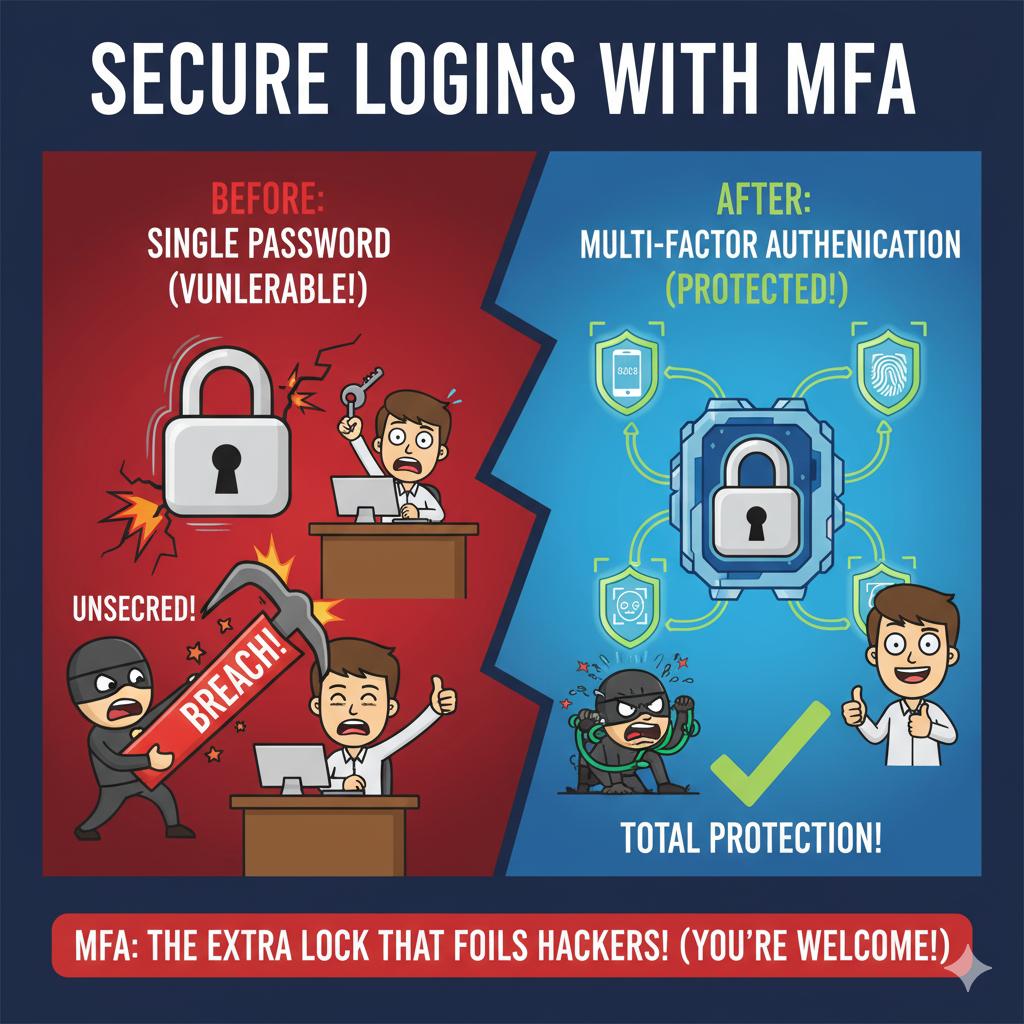
Passwords alone are no longer enough to protect your business. With phishing and credential theft on the rise, adding Multi-Factor Authentication (MFA) provides an essential second layer of defense. Even if a password is stolen, MFA ensures only verified users gain access to sensitive data.
Implementing MFA typically involves enabling security policies within Microsoft 365 or Google Workspace and configuring user devices for app or text-based verification. 716 IT Group can roll this out across your business, ensuring a smooth deployment that keeps your accounts secure without confusing your team.
Quick Action Checklist
- Require MFA for every employee across Microsoft 365, Google Workspace, VPNs, and accounting tools.
- Use authenticator apps (like Microsoft Authenticator or Google Authenticator) instead of SMS text codes whenever possible.
- Set up backup verification methods so staff aren't locked out if they upgrade or lose their phone.
Need help rolling out MFA to your team?
We configure user-friendly Multi-Factor Authentication for WNY small businesses and non-profits.