


Email & Cloud Productivity
Schedule a Quick Chat
Shared Calendars and Room Booking: Stop Double-Booking Meeting Spaces
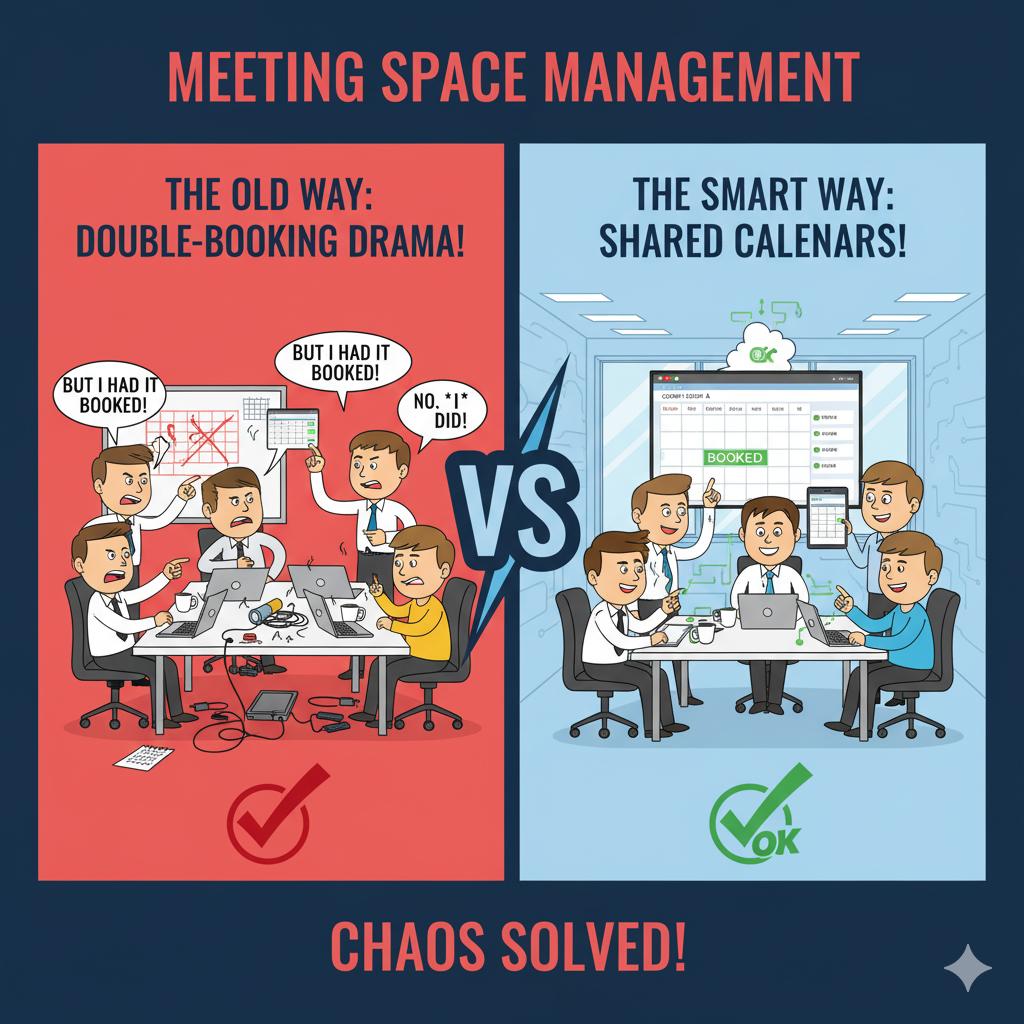
Managing shared spaces like conference rooms or vehicles can be frustrating when everyone uses separate calendars or paper schedules. Shared resource calendars allow employees to check availability and book spaces directly within Outlook or Google Calendar, reducing confusion and double-booking.
A proper setup involves creating resource mailboxes and assigning permissions for booking and visibility. 716 IT Group can configure this for your team so scheduling becomes simple, transparent, and efficient.
Quick Action Checklist
- Create dedicated resource calendars in Microsoft 365 or Google Workspace for conference rooms, company vehicles, and shared projectors.
- Enable automatic conflict rejection so two meetings can never be booked in the same room at the same time.
- Configure visibility permissions so staff can see when a room is busy or who reserved it directly from their calendar invite.
Want cleaner scheduling across your office?
We configure Microsoft 365 and Google Workspace calendars, email, and collaboration tools for WNY businesses.