


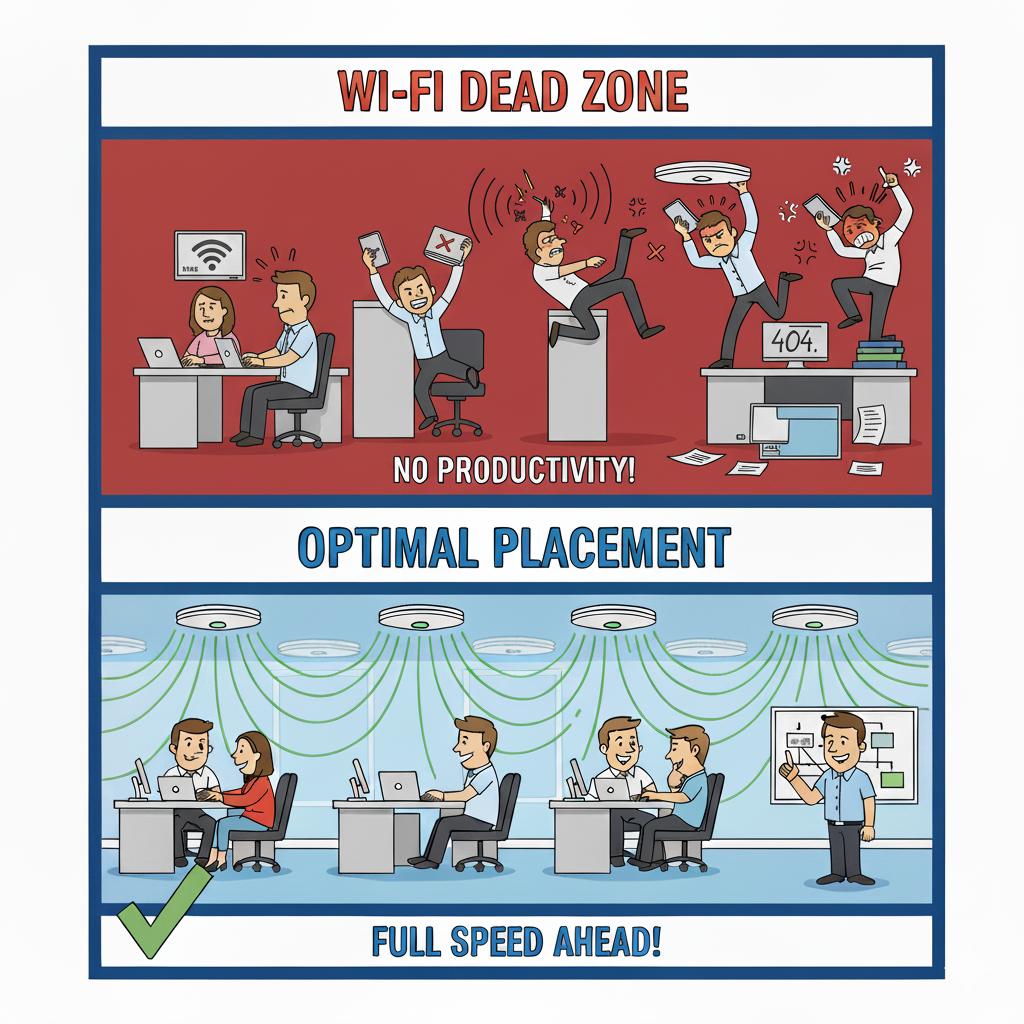
Stop Wi-Fi Dead Zones: How Proper Access Point Placement Improves Office Productivity
Spotty Wi-Fi is more than an annoyance—it’s a productivity killer. Dead zones, dropped connections, or weak signals usually stem from poor placement of access points or the use of consumer-grade routers not meant for business environments. When employees can’t maintain a stable connection, it affects meetings, file transfers, and even customer service.
A professional wireless network setup involves mapping out your office layout, accounting for walls and interference, and strategically placing business-grade access points to ensure complete coverage. 716 IT Group can assess your building and implement a network designed to deliver consistent performance in every corner of your workspace.
Quick Action Checklist
- Replace single consumer routers tucked in utility closets with ceiling-mounted business access points.
- Account for brick, concrete, metal shelving, and neighboring office interference when planning coverage.
- Separate guest Wi-Fi from your internal company network to protect sensitive files and bandwidth.
Dealing with slow Wi-Fi or dead zones?
We survey and upgrade office wireless networks across Greater Buffalo & Niagara.