


The 10-Second Power Cycle – Why "Rebooting" is Actual Science, Not a Cliche
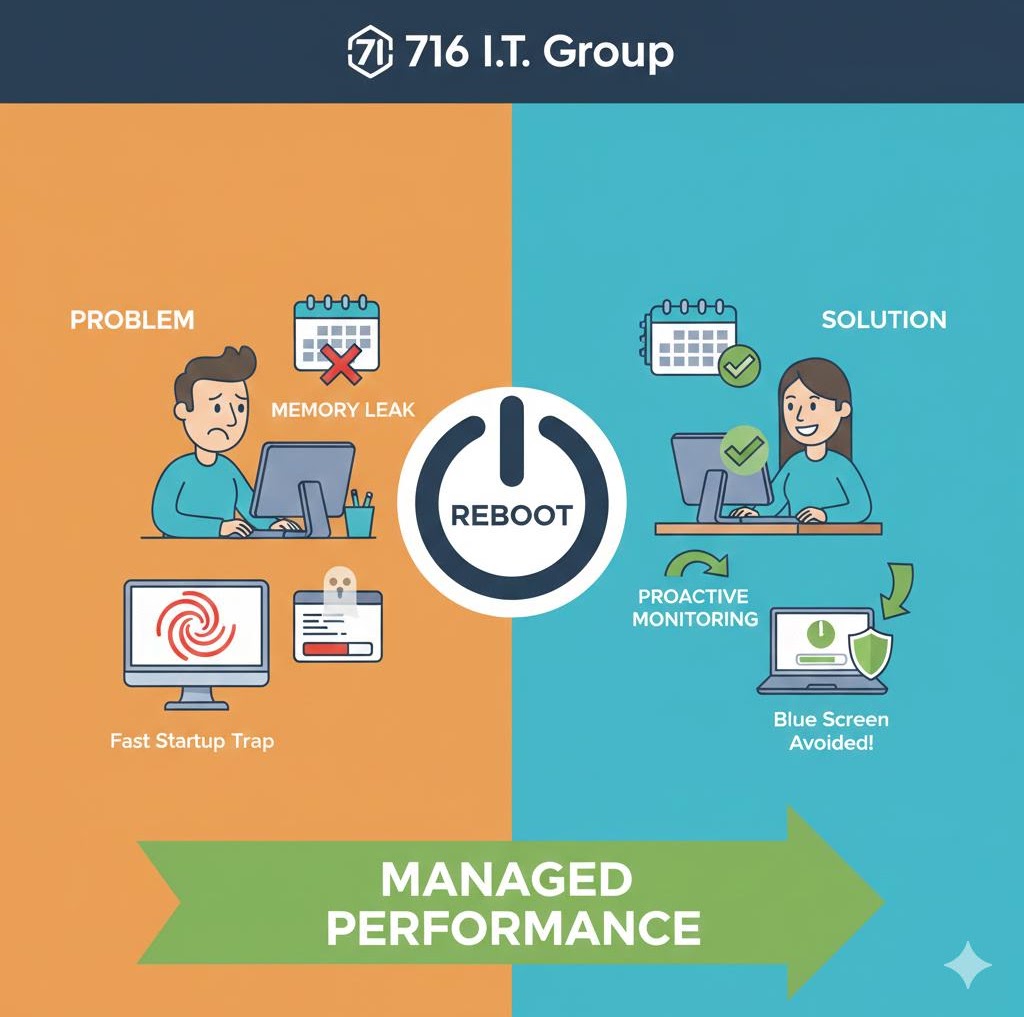
"Did you try turning it off and back on again?" has become a joke, but it is the single most effective troubleshooting step in IT. When a computer runs for weeks at a time, "memory leaks" occur—small bits of software code that don't close properly, hogging the RAM and making the CPU work harder. This leads to the "spinning wheel of death" and midday crashes.
- Flushing the RAM: Your computer’s Random Access Memory (RAM) is "volatile," meaning it needs power to hold data. When you reboot, the power is cut for a split second, wiping the RAM clean and giving your OS a blank slate to start over.
- The "Fast Startup" Trap: In Windows 10 and 11, clicking "Shut Down" doesn't actually turn the computer off; it saves the current state to the hard drive (Hibernation). To truly clear the "ghosts in the machine," you must click Restart, not Shut Down.
The 716 IT Advantage
If your employees have to reboot every morning just to get their PCs to work, you have a deeper issue. We provide Proactive Endpoint Monitoring. Our software runs in the background 24/7, watching for memory leaks and failing hard drives before the "Blue Screen of Death" even happens. We often fix the problem remotely before the employee even notices a slowdown. We move you from "Break-Fix" (waiting for things to break) to "Managed Performance."
Quick Action Checklist
- Choose Restart rather than Shut Down at least once a week to bypass Windows Fast Startup and give RAM a clean boot.
- Unplug power and hold the power button for 10 seconds ("hard power cycle") when troubleshooting frozen monitors, docks, or routers.
- Investigate any workstation that requires daily reboots—it usually signals a memory-leaking app, full drive, or failing SSD.
Tired of slow computers and constant midday freezes?
We keep WNY workstations fast and healthy with 24/7 Proactive Endpoint Monitoring.