


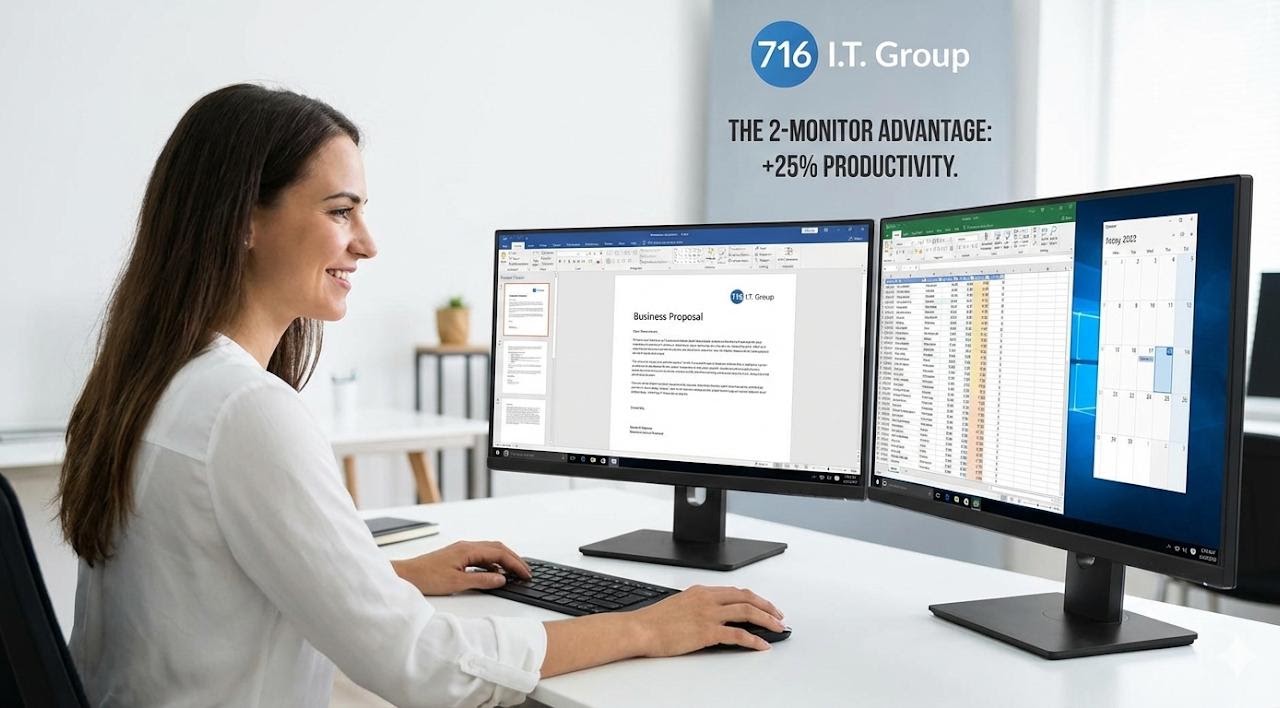
The 2-Monitor Rule – The Highest ROI in Your Office
Small business owners often view extra monitors as a "luxury" or an "expense." However, the "Alt-Tab" tax is real. Every time an employee switches between a spreadsheet and an email, the brain takes roughly 0.5 to 2 seconds to re-orient. Multiply that by hundreds of times a day across 10 employees, and you are losing thousands of dollars a year in pure labor.
A study by the University of Utah found that dual-monitor setups can increase productivity by 25% and reduce errors by 17%.
How to Set Up a High-Efficiency Dual-Screen Desk
- Assign Clear Roles to Each Screen: Use your primary (center) monitor for active creation—writing the proposal or coding the invoice. Use the secondary (side) monitor for your "Reference" material—the price list, the client's email, or your calendar.
- Match Your Resolutions: Don't just plug a monitor into your laptop’s HDMI port and call it a day. If the resolutions don't match (e.g., a 4K laptop screen next to a 1080p monitor), your mouse will "snag" on the edge of the screen, causing constant micro-frustrations.
The 716 IT Group Advantage
We don't just "order parts." We design standardized workstations. We ensure your team has matching resolutions, "Daisy-Chain" capable monitors to reduce cable clutter, and universal docking stations. This means if an employee moves desks, they plug in one USB-C cable and everything—power, internet, and dual screens—just works. We provide the hardware and the setup for a flat fee that pays for itself in reclaimed productivity within the first month.
Quick Action Checklist
- Standardize on matching dual displays (same size and resolution) across workstations so cursor movement and text scaling stay seamless.
- Use single-cable USB-C docking stations and daisy-chained monitors to eliminate desk cable clutter and simplify laptop docking.
- Configure Windows Display Settings properly (extended desktop, aligned screen heights, and matched scaling) for ergonomic neck alignment.
Ready to standardize your office workstations?
We supply, configure, and cable-manage dual-monitor USB-C setups for WNY businesses.