

Shared vs. Personal Logins: Why Every Employee Should Have Their Own Account
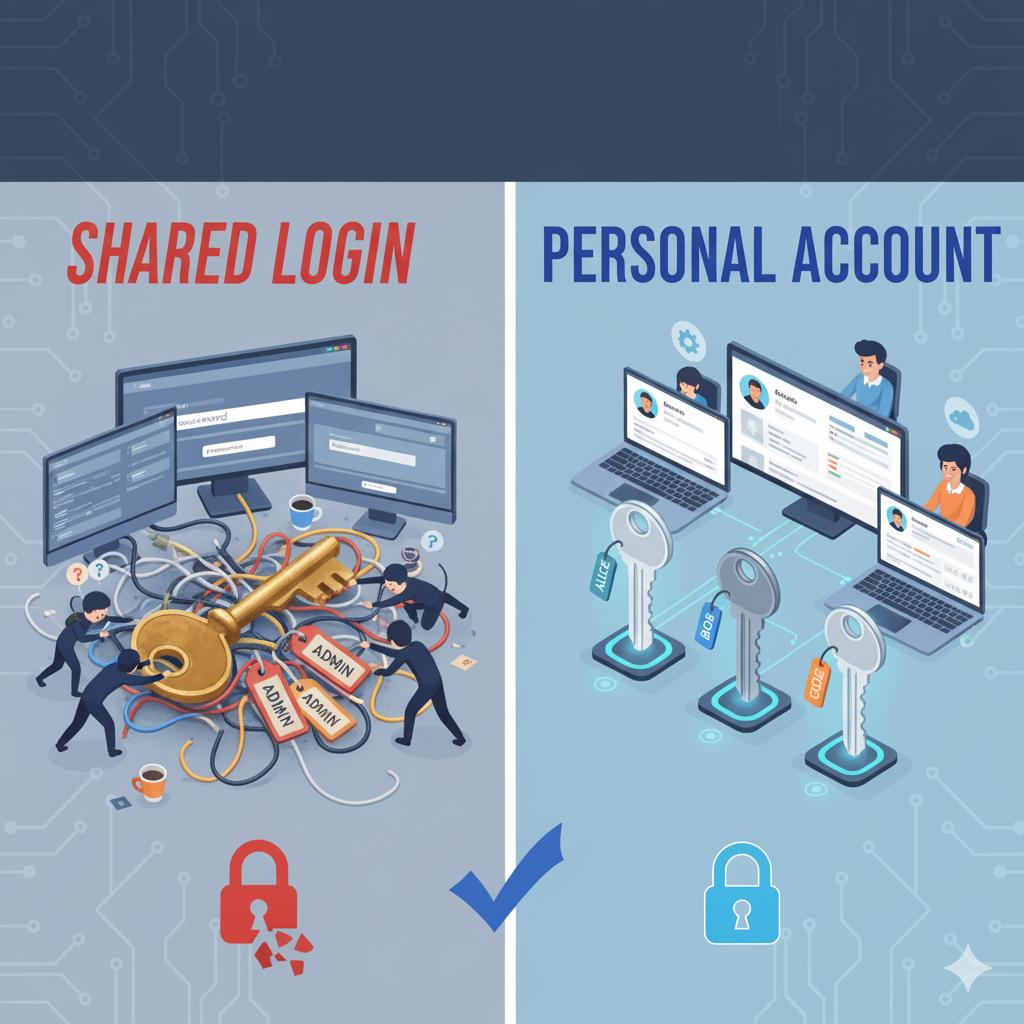
Many small businesses still rely on shared Windows logins for convenience, but that approach causes serious security and accountability problems. When multiple users share a single account, it becomes impossible to track who made changes, who accessed sensitive files, or when potential security incidents occurred. Individual user accounts not only improve security but also make permissions management and employee off-boarding much simpler and safer.
A proper setup involves creating unique user profiles for each employee, assigning roles or permissions that fit their responsibilities, and enforcing secure passwords or single sign-on where available. 716 IT Group can help configure this across your network and cloud platforms so your team logs in safely and your data stays protected.
Quick Action Checklist
- Give every staff member their own individual computer and cloud login.
- Limit folder and software permissions to what each role actually needs.
- Enable Multi-Factor Authentication (MFA) and disable shared generic accounts.
Need help setting up employee accounts?
We help WNY businesses secure their workstations, Microsoft 365, and Google Workspace.