

Windows 10 Support Ends - October 14, 2025 – What Your Company Needs to Know
What Happens Now That Windows 10 Support Ends?
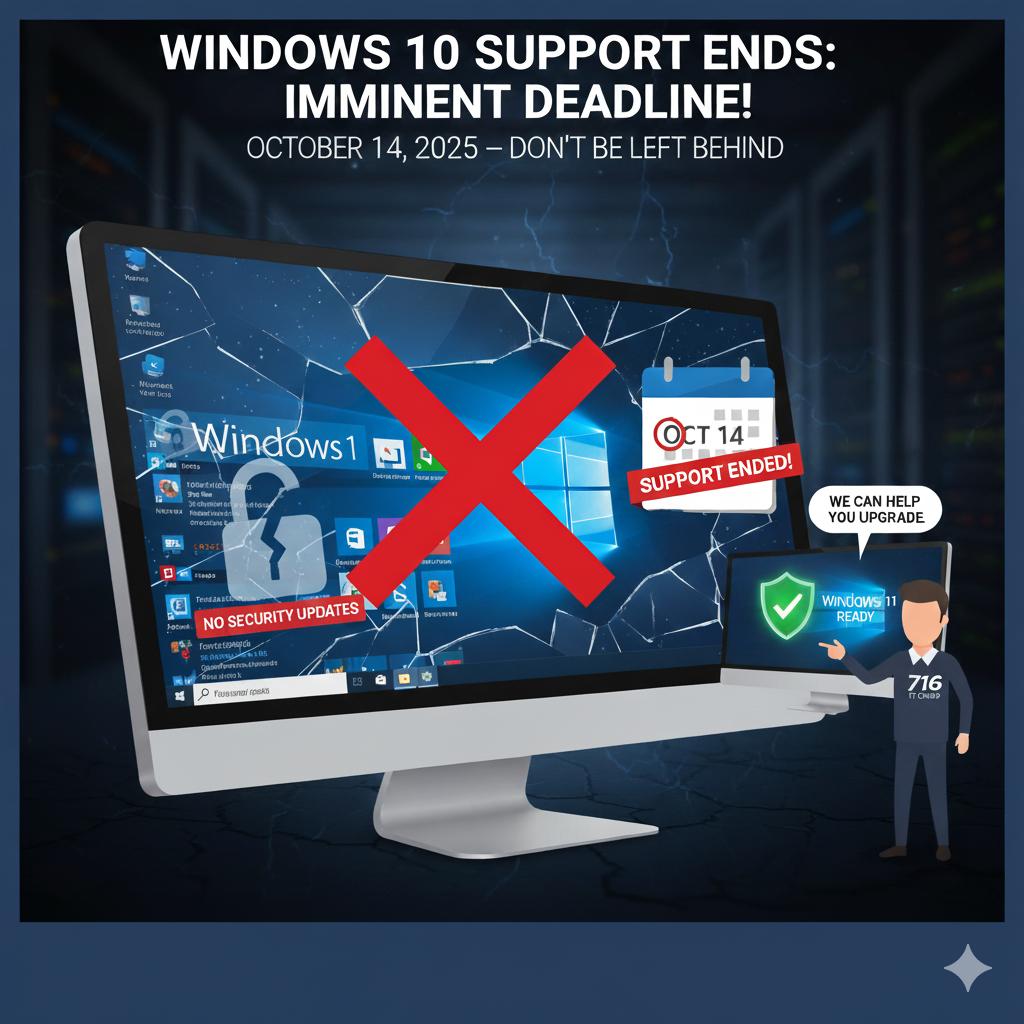
As of October 14, 2025, Microsoft officially ends support for Windows 10. For small and midsized businesses, this means that Windows 10 computers will no longer receive security patches, updates, or technical support from Microsoft. While the operating system itself will continue to run, it will become increasingly vulnerable to malware, ransomware, and other security threats. Over time, business software and online tools may also stop working properly as they evolve beyond Windows 10’s capabilities.
For SMBs, that lack of support can lead to serious risks — from data breaches to downtime. Unsupported systems often become the target of cyberattacks because hackers know new vulnerabilities won’t be fixed. Even if your team only uses computers for day-to-day tasks like email, accounting, and document management, an unpatched system can quickly turn into a weak point in your network.
What You Can Do: Upgrade, Extend, or Replace
Businesses have several options depending on their current setup:
- Upgrade to Windows 11: The most straightforward path is upgrading to Windows 11, provided the hardware supports it (which includes TPM 2.0 and secure boot compatibility). Windows 11 brings improved performance, security, and better integration with Microsoft 365 and cloud-based tools.
- Extended Security Updates (ESU): For systems that cannot upgrade immediately, Microsoft offers Extended Security Updates (ESU) for a limited time. This paid option keeps critical security patches flowing temporarily but is meant as a short-term bridge rather than a permanent fix.
- Replace Aging Hardware: In many cases, the smarter investment is to replace aging hardware with new business-class systems designed for Windows 11 and beyond.
Whichever option you choose, it’s important to plan ahead — ensuring that all your applications, printers, and network devices are compatible. Proper migration planning avoids business disruption and ensures that your team continues working efficiently during and after the transition.
How 716 IT Group Can Help
716 IT Group helps small businesses prepare for and transition past the end of Windows 10 with minimal disruption. Our team can assess your current systems, identify which devices are ready for upgrade, and develop a plan to replace or reconfigure those that aren’t. We also build professional, company-specific Windows images that come preloaded with your essential software, network settings, and security tools — giving your team consistent, ready-to-use computers from day one.
From planning and deployment to data transfer and staff support, we handle the entire process so your business can stay focused on what it does best. Whether you have five computers or fifty, we’ll make sure your technology is up to date, secure, and tailored to your operations as you transition beyond Windows 10.
Quick Action Checklist
- Inventory every desktop and laptop in your office to identify any machines still running Windows 10.
- Check Windows 11 hardware eligibility (CPU generation, TPM 2.0, and Secure Boot) before scheduling upgrades.
- Verify line-of-business software, accounting tools, and office printer drivers before rolling out new or upgraded PCs.
Still have Windows 10 computers in your office?
We audit, upgrade, and deploy pre-imaged Windows 11 workstations across Greater Buffalo & Niagara.